When Your Systems “Work”… But Still Create Problems
There’s a pattern I see all the time with small, growing businesses.
On paper, everything looks fine.
Projects are moving.
Payroll is running.
Bills are getting paid.
Sales tax is being filed.
But behind the scenes, things feel harder than they should.
Teams aren’t aligned.
Processes feel reactive.
Numbers don’t fully make sense.
And when you step back and look at it, it’s usually not a people problem.
It’s a systems problem.
More specifically—it’s a “one system trying to do everything” problem.
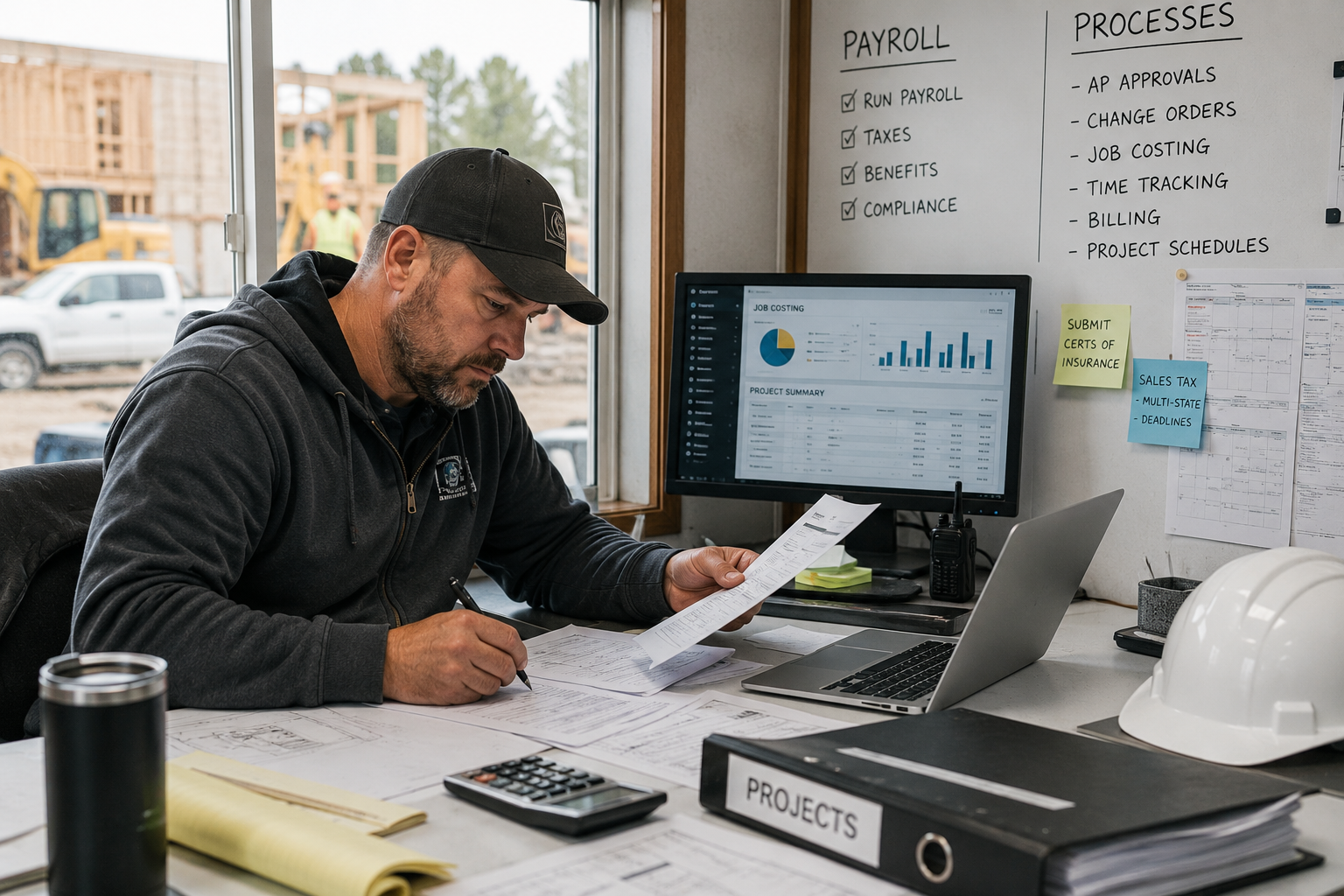
When systems aren’t structured well behind the scenes, even successful businesses can start to feel reactive and harder to manage.
It Usually Starts with Operations
The first place this shows up is in how businesses manage their day-to-day work.
Project Management: Running the Work vs. Recording It
A lot of businesses try to manage projects inside their accounting system—often inside QuickBooks Online.
And on the surface, it works.
You can track jobs. You can assign costs.
But once you start managing:
timelines
tasks
team communication
day-to-day execution
things start to break down.
Because accounting systems are built to record what already happened.
Project management tools are built to run what’s happening now.
Those are not the same job.
The businesses that operate cleanly don’t try to force one system to do both.
They:
use an industry-specific project management tool to run the work
use their accounting system to track the financials
and connect the two with an API so information flows between them
That’s when things start to feel organized again.
Then It Shows Up Where Risk Increases
Once operations feel strained, the next cracks usually appear in higher-risk areas.
Payroll: Where “Simple” Gets Expensive
Payroll is one of the few areas where I’ll almost always recommend using a separate system.
Not because accounting platforms can’t do it— but because payroll isn’t just another workflow.
It’s:
compliance
deadlines
tax filings
and real consequences if something goes wrong
And when something does go wrong, it doesn’t just affect your books. It affects your employees.
I see a lot of businesses try to keep everything in one place, especially inside QuickBooks Online. And I get it—it feels simpler. But payroll is one of those functions where “simple” can get expensive fast.
That’s why I typically recommend using a dedicated provider like Gusto, ADP, or Paychex. Because some things aren’t worth bundling for convenience.
Then It Hits Cash Flow
After that, the issues start showing up in how money moves through the business.
Accounts Payable: From Reactive to Controlled
Paying your bills shouldn’t feel reactive.
But for a lot of businesses, it does.
Not because they don’t have the cash— but because they don’t have a clear system.
Managing A/P inside an accounting system can work on paper.
You can:
enter bills
mark them as paid
But that’s not the same as managing payables.
What I tend to see instead:
invoices sitting in inboxes
unclear approval processes
missed or late payments
no visibility into what’s coming due
At that point, it’s not an accounting issue. It’s a workflow issue. That’s why I often recommend using a dedicated platform like Bill.com.
Because it’s built for:
capturing and organizing bills
routing approvals
scheduling payments intentionally
and giving real visibility into cash going out
Your accounting system should reflect what’s been paid. Your A/P system should control how and when it gets paid.
And Finally… It Shows Up Where It Matters Most
If these earlier systems aren’t structured well, the impact eventually shows up in the most technical—and most unforgiving—areas.
Sales Tax: Where “Mostly Right” Isn’t Enough
Sales tax is one of the easiest things to automate—and one of the easiest to get wrong. You can be filing and paying regularly… and still be wrong.
Once you’re dealing with:
multiple jurisdictions
different rates
changing requirements
the margin for error increases quickly.
Accounting systems can handle simple setups. But once complexity increases, they’re often not the right tool for managing it.
That’s where dedicated sales tax platforms come in—tools built specifically to:
track changing rates
apply them correctly
keep filings aligned with what was actually collected
Because this isn’t an area where “close enough” holds up.
The Pattern Behind All of This
None of these issues are random. They all come back to the same root cause:
Trying to make one system do everything.
The businesses that run the smoothest don’t do that.
They:
use specialized tools where it matters
let their accounting system focus on recording and reporting
and connect everything so it works together
If Things Feel Harder Than They Should
If your systems technically “work”…but things still feel messy, reactive, or unclear— That’s worth paying attention to.
Because most of the time, the issue isn’t effort. It’s structure. And once the structure is right, everything else gets easier.
Final Thought
You don’t need more tools. You need the right tools—set up the right way, working together.
If you’re not confident that’s what you have right now, it might be time to take a closer look.